Jindřichov › ตะวันตก: osada Elba (Labe)
 Jindřichov, ประเทศเช็กเกีย
Real-Time Environment
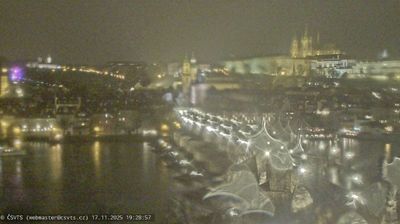
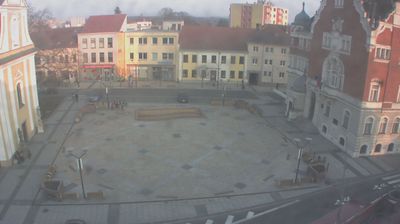
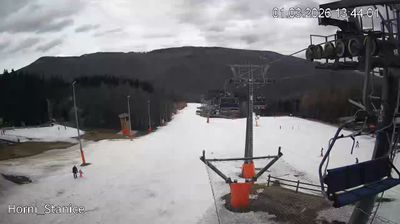
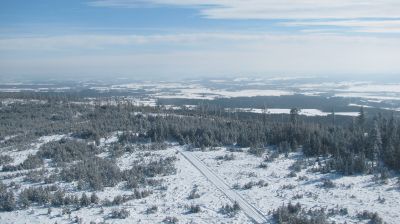
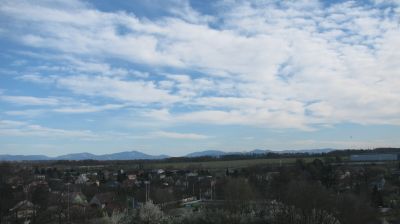
Welcome to the live streaming webcam for Jindřichov › ตะวันตก: osada Elba (Labe), perfectly situated in the vibrant region of Jindřichov, ประเทศเช็กเกีย. Watching this live camera allows you to instantly experience the local atmosphere and monitor current climate conditions.
About Jindřichov
Jindřichov may refer to places in the Czech Republic:Jindřichov, a municipality and village in the Moravian-Silesian Region Jindřichov, a municipality and village in the Olomouc Region Jindřichov, a municipality and village in the Olomouc Region Jindřichov, a village and part of Cheb in the Karlovy Vary Region Jindřichov, a village and part of Lučany nad Nisou in the Liberec Region Jindřichov, a village and part of Velká Bíteš in the Vysočina Region
📖 Read more on Wikipedia📍 Location Facts
-
Country
 ประเทศเช็กเกีย
- Region Olomoucký kraj
- City Jindřichov
- Coordinates 50.1052°N, 17.0224°E
Have you been to Jindřichov?
Help the community! Share your experience, tell us about the weather, or upload your own photos from this exact location.