Rosenheim › ใต้: Rosenheim Altstadt Zentrum - Parish Church St. Nicholas, Rosenheim
 Rosenheim, ประเทศเยอรมนี
Real-Time Environment
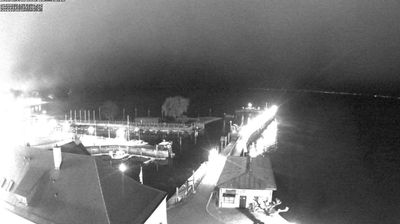
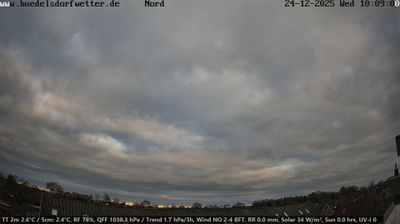
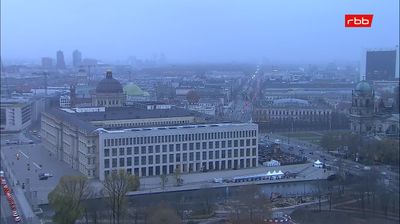
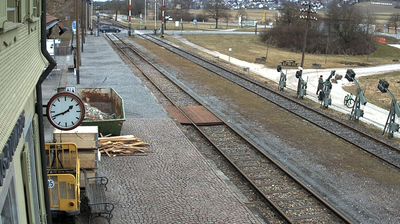
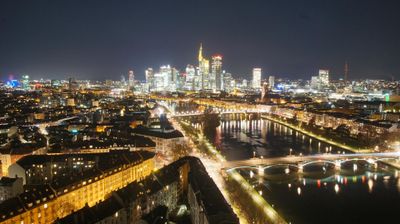
Welcome to the live streaming webcam for Rosenheim › ใต้: Rosenheim Altstadt Zentrum - Parish Church St. Nicholas, Rosenheim, perfectly situated in the vibrant region of Rosenheim, ประเทศเยอรมนี. Watching this live camera allows you to instantly experience the local atmosphere and monitor current climate conditions.
About โรเซินไฮม์
โรเซินไฮม์ เป็นเมืองในส่วนภูมิภาคโอเบอร์ไบเอิร์น รัฐไบเอิร์น ประเทศเยอรมนี ถือเป็นเมืองใหญ่สุดทางตอนใต้ของโอเบอร์ไบเอิร์น ตั้งอยู่กึ่งกลางของทางด่วนหมายเลข 8 ซึ่งเชื่อมนครมิวนิกกับเมืองอินส์บรุคและซัลทซ์บวร์คในประเทศออสเตรีย เมืองโรเซินไฮม์ตั้งอยู่บนชายฝั่งทางตะวันตกของแม่น้ำอินน์ (Inn) แม่น้ำสายสำคัญซึ่งไหลลงสู่ประเทศออสเตรีย โรเซินไฮม์ยังเป็นบ้านเกิดของจอมพลไรช์ แฮร์มันน์ เกอริง ผู้บัญชาการกองทัพเยอรมันสมัยนาซี
📖 Read more on Wikipedia📍 Location Facts
-
Country
 ประเทศเยอรมนี
- Region Rheinland-Pfalz
- City Rosenheim
- Coordinates 47.8603°N, 12.1318°E
Have you been to Rosenheim?
Help the community! Share your experience, tell us about the weather, or upload your own photos from this exact location.