วาลบ์จิก: Województwo dolnośląskie, Rzeczpospolita Polska
 วาลบ์จิก, ประเทศโปแลนด์
Real-Time Environment
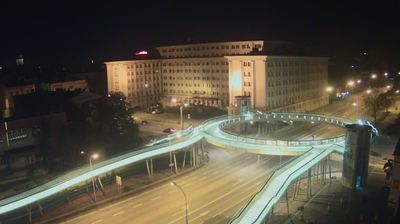
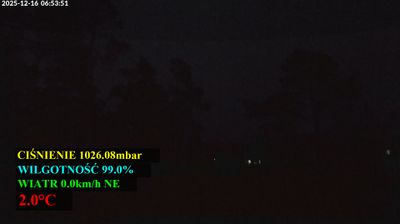
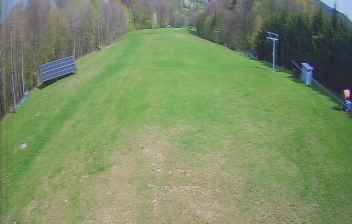
Welcome to the live streaming webcam for วาลบ์จิก: Województwo dolnośląskie, Rzeczpospolita Polska, perfectly situated in the vibrant region of วาลบ์จิก, ประเทศโปแลนด์. Watching this live camera allows you to instantly experience the local atmosphere and monitor current climate conditions.

About เวาบ์ชึค
เวาบ์ชึค เป็นเมืองที่ตั้งอยู่ทางตะวันตกเฉียงใต้ของประเทศโปแลนด์ ตั้งอยู่บนฝั่งแม่น้ำบูเบอร์ โดยอยู่ห่างจากเมืองวรอตสวัฟราว 70 กิโลเมตรไปทางทิศตะวันตกเฉียงใต้ และอยู่ห่างจากชายแดนสาธารณรัฐเช็กราว 10 กิโลเมตร มีประชากร 121,919 คน มีผลิตเคมีภัณฑ์ มีเหมืองถ่านหิน เมืองเคยเป็นของประเทศเยอรมนี ใช้ชื่อว่า วัลเทินบวร์ค ตกเป็นของโปแลนด์ตามข้อตกลงในการประชุมพ็อทซ์ดัม เมื่อ ค.ศ. 1945 ภายหลังที่สงครามโลกครั้งที่สองได้จบลง
📖 Read more on Wikipedia📍 Location Facts
-
Country
 ประเทศโปแลนด์
- Region województwo dolnośląskie
- City วาลบ์จิก
- Coordinates 50.7651°N, 16.2804°E
Have you been to วาลบ์จิก?
Help the community! Share your experience, tell us about the weather, or upload your own photos from this exact location.