เบอร์ลิน
 เบอร์ลิน, ประเทศเยอรมนี
Real-Time Environment
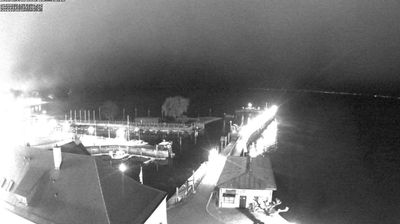
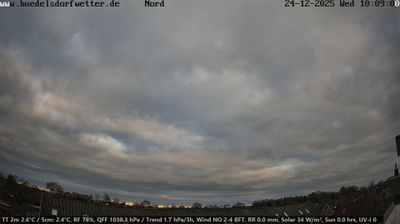
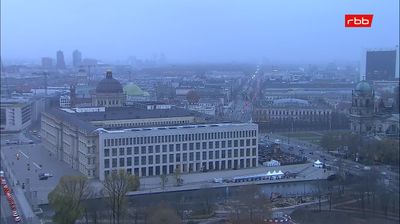
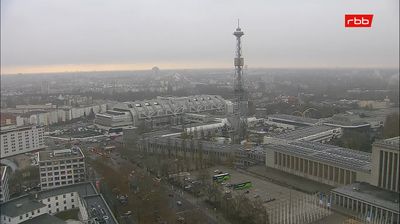
Welcome to the live streaming webcam for เบอร์ลิน, perfectly situated in the vibrant region of เบอร์ลิน, ประเทศเยอรมนี. Watching this live camera allows you to instantly experience the local atmosphere and monitor current climate conditions.

About เบอร์ลิน
เบอร์ลิน หรือ แบร์ลีน เป็นเมืองหลวงและรัฐหนึ่งในสิบหกรัฐสหพันธ์ของประเทศเยอรมนี และยังเป็นเมืองที่มีขนาดใหญ่ที่สุดของประเทศทั้งในแง่ของขนาดพื้นที่และจำนวนประชากร ด้วยประชากร 3.7 ล้านคนจึงถือเป็นเมืองที่มีประชากรในเขตเมืองมากที่สุดในสหภาพยุโรป นอกจากนี้ เขตเมืองของเบอร์ลินมีประชากรมากกว่า 4.6 ล้านคน จึงเป็นเขตเมืองที่มีประชากรมากที่สุดในเยอรมนี อาณาเขตของเบอร์ลินถูกล้อมรอบด้วยรัฐบรันเดินบวร์คและเมืองหลวงของรัฐอย่างพ็อทซ์ดัม และหากนับรวมทั้งเขตเมืองเบอร์ลิน-บันเดินบวร์คจะมีประชากรประมาณ 6.2 ล้านคน ถือเป็นเขตมหานครที่ใหญ่เป็นอันดับสองของเยอรมนีรองจากเขตมหานครไรน์-รัวน์ เช่นเดียวกับการเป็นมหานครที่มีขนาดใหญ่ที่สุดในสหภาพยุโรปในแง่ผลิตภัณฑ์มวลรวมในประเทศ
📖 Read more on Wikipedia📍 Location Facts
-
Country
 ประเทศเยอรมนี
- Region เบอร์ลิน
- City เบอร์ลิน
- Coordinates 52.5161°N, 13.3798°E
Have you been to เบอร์ลิน?
Help the community! Share your experience, tell us about the weather, or upload your own photos from this exact location.