
Latest Cameras in ประเทศจีน
 เกาลูน


Explore Regions in ประเทศจีน
Why Visit ประเทศจีน Virtually?
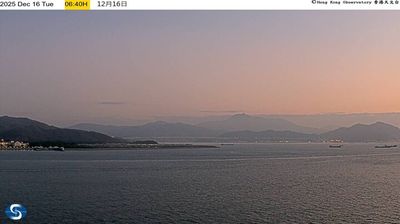
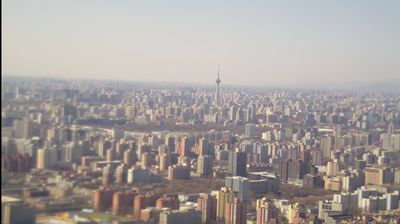
Planning a trip to ประเทศจีน? Or maybe you just miss home? Our curated list of live streams provides high-quality views of the local regions and cities. Check the live weather, see what locals are up to, and enjoy the beautiful views 24/7.

About ประเทศจีน
สาธารณรัฐประชาชนจีน เป็นรัฐเอกราชในเอเชียตะวันออก เป็นประเทศที่มีประชากรมากที่สุดเป็นอันดับสองของโลกกว่า 1,400 ล้านคนโดยเป็นรองเพียงอินเดีย ซึ่งประชากรจีนคิดเป็นสัดส่วนมากถึง 17.4% ของประชากรโลก จีนมีพื้นที่กว่า 9.6 ล้านตารางกิโลเมตร นับเป็นประเทศที่มีพื้นที่ทั้งหมดใหญ่ที่สุดในโลกเป็นอันดับ 3 หรือ 4 แล้วแต่วิธีการวัด และครอบคลุมพื้นที่ทางภูมิศาสตร์มากถึง 5 เขตเวลา ประเทศจีนแบ่งการปกครองออกเป็น 22 มณฑล, 5 เขตปกครองตนเอง, 4 นครปกครองโดยตรง และ 2 เขตบริหารพิเศษ (ฮ่องกงและมาเก๊า) จีนยังมีพรมแดนทางบกติดกับประเทศอื่นมากถึง 14 ประเทศ ถือเป็นหนึ่งในสองประเทศที่มีพรมแดนติดประเทศอื่นมากที่สุดเท่ากับรัสเซีย มีเมืองหลวงคือปักกิ่ง ในขณะที่เมืองที่มีประชากรมากที่สุดและเป็นศูนย์กลางทางเศรษฐกิจคือเซี่ยงไฮ้ และเมืองอื่น ๆ ที่มีความสำคัญทางวัฒนธรรมและเศรษฐกิจ ได้แก่ กว่างโจว, เชินเจิ้น, เฉิงตู และ เทียนจิน
📖 Read more on Wikipedia