
Latest Cameras in ประเทศนอร์เวย์
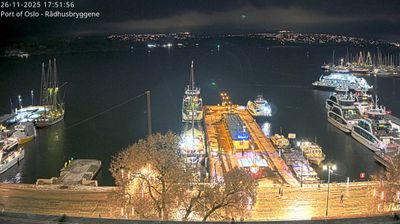
 ออสโล
ออสโล
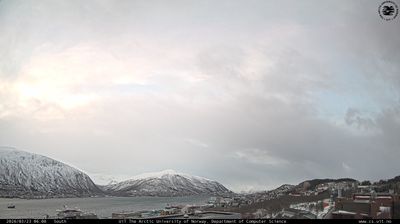
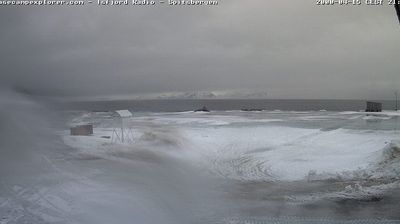

Explore Regions in ประเทศนอร์เวย์
Why Visit ประเทศนอร์เวย์ Virtually?
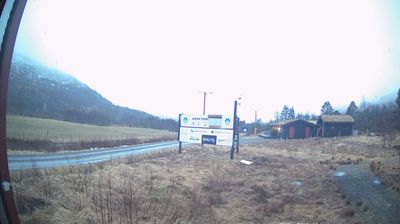
Planning a trip to ประเทศนอร์เวย์? Or maybe you just miss home? Our curated list of live streams provides high-quality views of the local regions and cities. Check the live weather, see what locals are up to, and enjoy the beautiful views 24/7.

About ประเทศนอร์เวย์
นอร์เวย์ มีชื่อทางการว่า ราชอาณาจักรนอร์เวย์ เป็นประเทศในกลุ่มนอร์ดิก ตั้งอยู่บริเวณตะวันตกและตอนเหนือสุดของคาบสมุทรสแกนดิเนเวียในภูมิภาคยุโรปเหนือ นอกจากนี้ยังครอบคลุมถึงเกาะห่างไกลในเขตอาร์กติกอย่างยานไมเอน และหมู่เกาะสฟาลบาร์ รวมถึงเกาะบูเวซึ่งตั้งอยู่ในเขตกึ่งแอนตาร์กติกถือเป็นดินแดนในความครอบครองแม้จะไม่ใช่ส่วนหนึ่งของราชอาณาจักรโดยตรง นอร์เวย์ยังอ้างสิทธิ์เหนือดินแดนในแอนตาร์กติก ได้แก่ เกาะปีเตอร์ที่ 1 และ ควีนม็อดแลนด์ นอร์เวย์มีประชากรราว 5.6 ล้านคน ครอบคลุมพื้นที่ประมาณ 385,207 ตารางกิโลเมตร โดยมีออสโลเป็นทั้งเมืองหลวงและเมืองที่ใหญ่ที่สุด มีพรมแดนทางทิศตะวันออกตะวันออกติดกับประเทศสวีเดน และทางตะวันออกเฉียงเหนือติดฟินแลนด์และรัสเซีย อีกทั้งยังมีแนวชายฝั่งทอดยาวหันสู่ช่องแคบสแกเกอร์แรก, ทะเลเหนือ, ทะเลนอร์วีเจียน และ ทะเลแบเร็นตส์
📖 Read more on Wikipedia