Best ทะเลสาบ in ประเทศโรมาเนีย
Watch live streaming ทะเลสาบ cameras across ประเทศโรมาเนีย. Enjoy the best real-time views available online.
Latest Cameras
4 streams found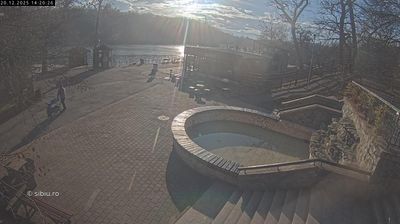

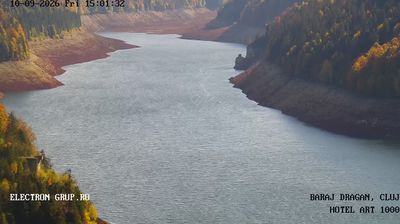
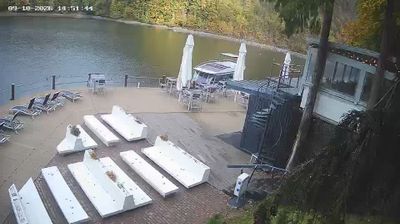
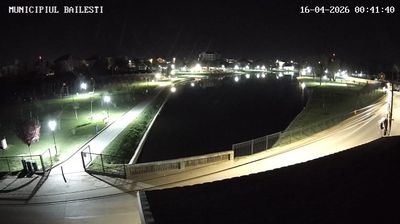
Discover ทะเลสาบ in ประเทศโรมาเนีย
Whether you're checking conditions for a weekend getaway or just enjoying the view, our collection of ทะเลสาบ webcams in ประเทศโรมาเนีย offers the best real-time experience available online. Stay updated with live weather changes and crowd activity.

About ประเทศโรมาเนีย
โรมาเนีย เป็นประเทศที่ตั้งอยู่บริเวณทางแยกระหว่างยุโรปกลาง, ยุโรปตะวันออก และยุโรปตะวันออกเฉียงใต้ มีอาณาเขตติดต่อกับประเทศมอลโดวาทางทิศตะวันออก ติดต่อกับประเทศยูเครนทางทิศเหนือ ติดต่อกับประเทศฮังการีทางทิศตะวันตก ติดต่อกับประเทศเซอร์เบียทางทิศตะวันตกเฉียงใต้ ติดต่อกับประเทศบัลแกเรียทางทิศใต้ และจรดทะเลดำทางทิศตะวันออกเฉียงใต้ มีภูมิอากาศภาคพื้นทวีปเขตอบอุ่นเป็นหลัก มีเนื้อที่ 238,397 ตารางกิโลเมตร และมีประชากรประมาณ 19 ล้านคน โรมาเนียเป็นประเทศที่มีขนาดใหญ่เป็นอันดับที่ 12 ในยุโรปและเป็นรัฐสมาชิกที่มีประชากรมากที่สุดเป็นอันดับที่ 6 ของสหภาพยุโรป เมืองหลวงและเมืองที่ใหญ่ที่สุดคือบูคาเรสต์ เขตเมืองสำคัญอื่น ๆ ได้แก่ ยัช กลุฌ-นาปอกา ตีมีชออารา กอนสตันซา กรายอวา บราชอฟ และกาลัตส์
📖 Read more on Wikipedia