Best หมู่บ้าน in ประเทศรัสเซีย
Watch live streaming หมู่บ้าน cameras across ประเทศรัสเซีย. Enjoy the best real-time views available online.
Latest Cameras
10 streams found

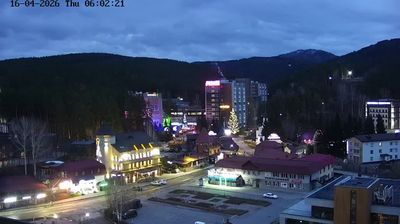
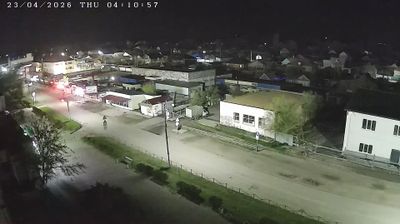
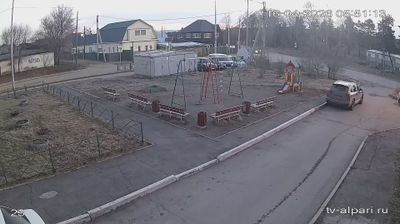
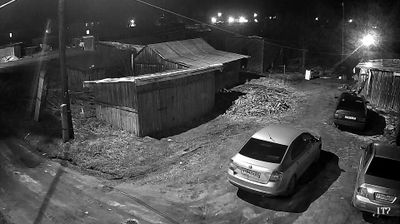
Discover หมู่บ้าน in ประเทศรัสเซีย
Whether you're checking conditions for a weekend getaway or just enjoying the view, our collection of หมู่บ้าน webcams in ประเทศรัสเซีย offers the best real-time experience available online. Stay updated with live weather changes and crowd activity.

About ประเทศรัสเซีย
รัสเซีย มีชื่ออย่างเป็นทางการว่า สหพันธรัฐรัสเซีย เป็นประเทศในยูเรเชียเหนือ และเป็นประเทศใหญ่ที่สุดในโลกด้วยพื้นที่กว่า 17,098,246 ตารางกิโลเมตร ครอบคลุมพื้นที่ที่สามารถอยู่อาศัยของโลกถึงหนึ่งในแปด ด้วยประชากรกว่า 146 ล้านคน รัสเซียจึงเป็นชาติที่มีประชากรมากที่สุดอันดับที่ 9 ของโลก และมากที่สุดในยุโรป รัสเซียปกครองด้วยระบอบสหพันธ์สาธารณรัฐกึ่งประธานาธิบดี ประกอบด้วย 89 เขตการปกครอง อาณาเขตของรัสเซียแผ่ข้าม 11 เขตเวลา มีพรมแดนทางบกติดกับ 14 ประเทศ ถือเป็นหนึ่งในสองประเทศที่มีพรมแดนติดกับประเทศอื่นมากที่สุดในโลก โดยอาณาเขตครอบคลุมพื้นที่เอเชียเหนือทั้งหมด และพื้นที่กว่า 40% ของยุโรป เมืองหลวงและเมืองขนาดใหญ่ที่สุดคือมอสโกซึ่งยังเป็นเขตเมืองที่มีประชากรมากที่สุดในยุโรป โดยมีเซนต์ปีเตอส์เบิร์กเป็นศูนย์กลางทางวัฒนธรรมและเมืองใหญ่อันดับสอง
📖 Read more on Wikipedia