 Live Webcams in Tulum
Explore live streaming views from Tulum, . Check current weather conditions, traffic, and beautiful local spots.
Latest Cameras
24 streams found


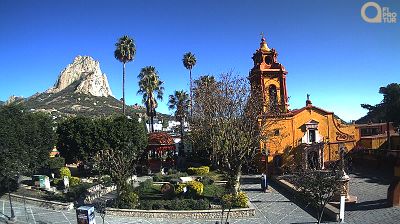
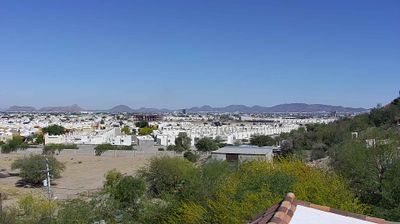
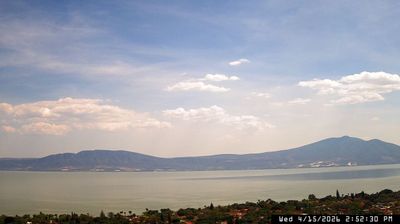
Virtual Travel to Tulum
Whether you are planning a real-world visit or just digital globe-trotting, the live webcams in Tulum offer an unfiltered glimpse into daily life. Watch the sunrise, check the local traffic before your commute, or simply enjoy the urban and natural landscapes that make this location unique. Bookmark this page to easily return and check the live weather conditions anytime.

About Tulum
Tulum is the site of a pre-Columbian Mayan walled city which served as a major port for Coba, in the Mexican state of Quintana Roo. The ruins are situated on 12-meter-tall (39 ft) cliffs along the east coast of the Yucatán Peninsula on the Caribbean Sea. Tulum was one of the last cities built and inhabited by the Maya and achieved its greatest prominence between the 13th and 15th centuries. Maya continued to occupy Tulum for about 70 years after the Spanish began exploring Mexico, but the city was abandoned by the end of the 16th century. Tulum is one of the best-preserved coastal Maya sites, and today it is a popular site for tourists.
📖 Read more on Wikipedia