Best การจราจร in อาร์เจนตินา
Watch live streaming การจราจร cameras across อาร์เจนตินา. Enjoy the best real-time views available online.
Latest Cameras
23 streams found

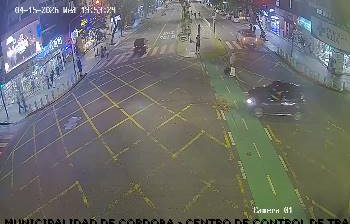
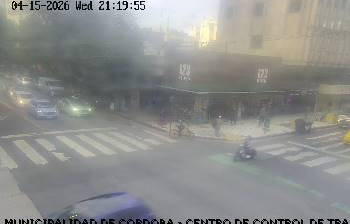
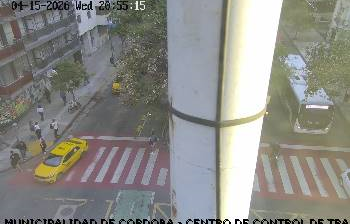
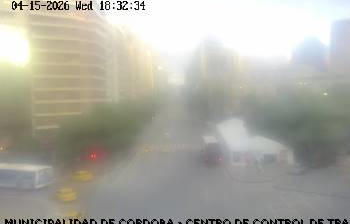
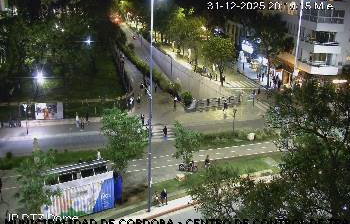
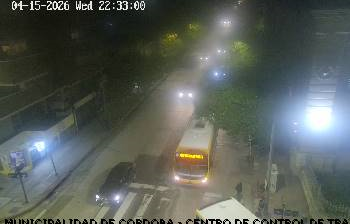
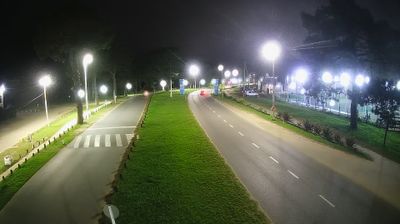
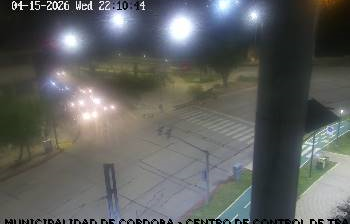
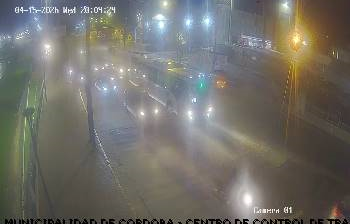
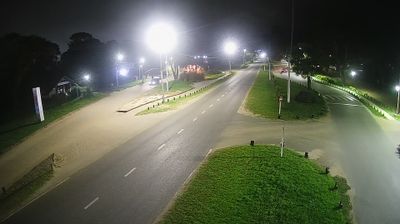
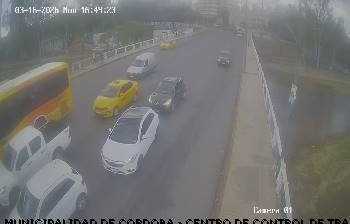
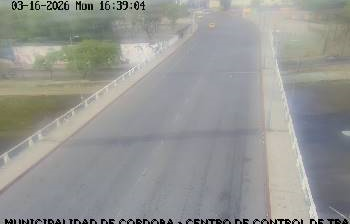
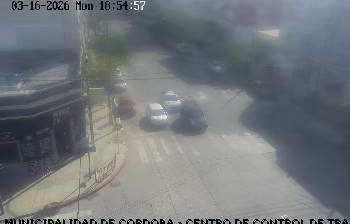
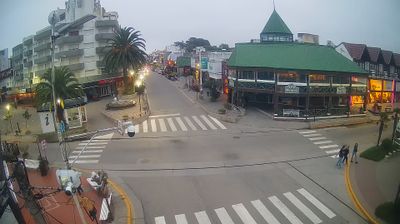
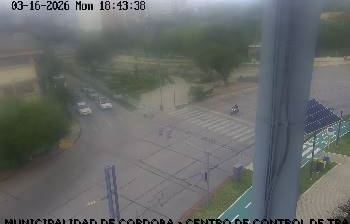
Discover การจราจร in อาร์เจนตินา
Whether you're checking conditions for a weekend getaway or just enjoying the view, our collection of การจราจร webcams in อาร์เจนตินา offers the best real-time experience available online. Stay updated with live weather changes and crowd activity.

About ประเทศอาร์เจนตินา
อาร์เจนตินา มีชื่ออย่างเป็นทางการว่า สาธารณรัฐอาร์เจนตินา เป็นประเทศทางตอนใต้ของทวีปอเมริกาใต้ ครอบคลุมพื้นที่ 2,780,400 ตารางกิโลเมตร นับเป็นประเทศที่มีขนาดใหญ่เป็นอันดับที่ 2 ในทวีปอเมริกาใต้ รองจากบราซิล อันดับที่ 4 ในทวีปอเมริกา และอันดับที่ 8 ของโลก อาร์เจนตินาตั้งอยู่ในภูมิภาคกรวยใต้ร่วมกับชิลีทางทิศตะวันตก และยังมีพรมแดนติดต่อกับโบลิเวียและปารากวัยทางทิศเหนือ บราซิลทางทิศตะวันออกเฉียงเหนือ อุรุกวัยและมหาสมุทรแอตแลนติกใต้ทางทิศตะวันออก และช่องแคบเดรกทางทิศใต้ เป็นสหพันธรัฐที่แบ่งออกเป็น 23 รัฐ กับ 1 นครปกครองตนเองซึ่งก็คือกรุงบัวโนสไอเรส เมืองหลวงของสหพันธ์และเมืองที่ใหญ่ที่สุดของประเทศ นครปกครองตนเองและรัฐต่าง ๆ มีธรรมนูญเป็นของตนเองแต่อยู่ภายใต้ระบบของสหพันธ์ อาร์เจนตินายังอ้างอำนาจอธิปไตยเหนือพื้นที่ส่วนหนึ่งของทวีปแอนตาร์กติกา หมู่เกาะฟอล์กแลนด์ และเกาะเซาท์จอร์เจียและหมู่เกาะเซาท์แซนด์วิชอีกด้วย
📖 Read more on Wikipedia