เชียงใหม่
 เชียงใหม่, ประเทศไทย
Real-Time Environment
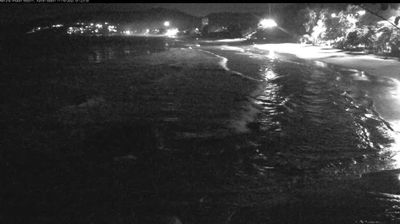
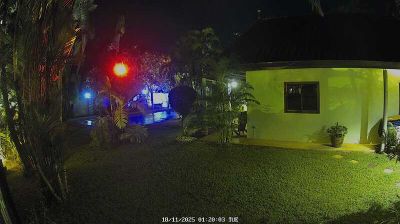
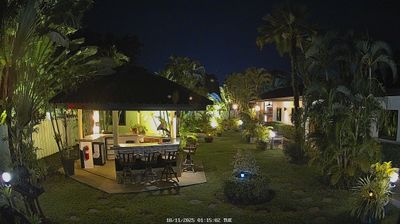
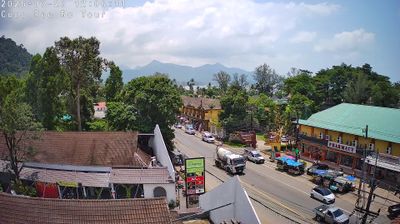
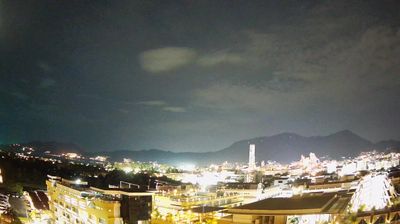
Welcome to the live streaming webcam for เชียงใหม่, perfectly situated in the vibrant region of เชียงใหม่, ประเทศไทย. Watching this live camera allows you to instantly experience the local atmosphere and monitor current climate conditions.

About จังหวัดเชียงใหม่
เชียงใหม่ เป็นจังหวัดหนึ่งในภาคเหนือของประเทศไทย มีพื้นที่ประมาณ 22,436 ตารางกิโลเมตร ซึ่งถือเป็นจังหวัดที่มีพื้นที่มากที่สุดในประเทศ ภายหลังการปรับปรุงเขตการปกครองใน พ.ศ. 2563 และใน พ.ศ. 2567 จังหวัดเชียงใหม่มีประชากรราว 1.8 ล้านคน ซึ่งจัดอยู่ในลำดับที่ 4 ของประเทศเมื่อจัดอันดับจังหวัดตามจำนวนประชากร จังหวัดเชียงใหม่แบ่งการปกครองออกเป็น 25 อำเภอ โดยอำเภอกัลยาณิวัฒนาได้รับการจัดตั้งขึ้นใน พ.ศ. 2552 เป็นอำเภอลำดับที่ 25 ของจังหวัด และเป็นอำเภอลำดับที่ 878 ของประเทศ ปัจจุบัน เทศบาลนครเชียงใหม่ทำหน้าที่เป็นศูนย์กลางการปกครองของจังหวัด
📖 Read more on Wikipedia📍 Location Facts
-
Country
 ประเทศไทย
- Region จังหวัดเชียงใหม่
- City เชียงใหม่
- Coordinates 18.8115°N, 98.9535°E
Have you been to เชียงใหม่?
Help the community! Share your experience, tell us about the weather, or upload your own photos from this exact location.