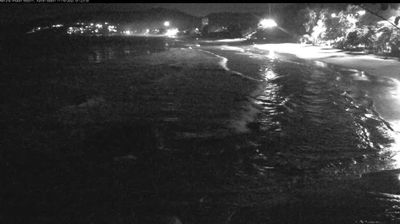
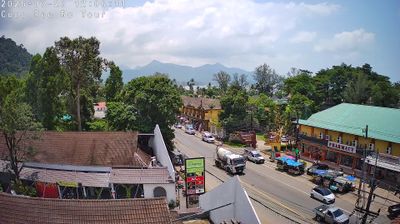
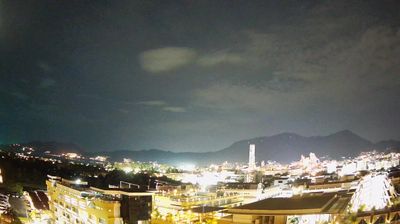
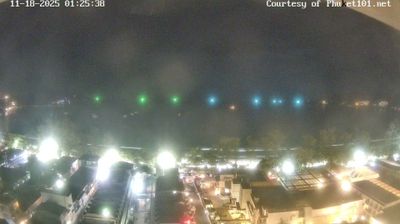
พัทยา › ตะวันตก: emerald beach
 พัทยา, ประเทศไทย
Real-Time Environment
Welcome to the live streaming webcam for พัทยา › ตะวันตก: emerald beach, perfectly situated in the vibrant region of พัทยา, ประเทศไทย. Watching this live camera allows you to instantly experience the local atmosphere and monitor current climate conditions.

About เมืองพัทยา
เมืองพัทยา เป็นเขตปกครองส่วนท้องถิ่นรูปแบบพิเศษแห่งหนึ่งในจำนวนสองแห่งของประเทศไทย ตั้งอยู่ในเขตอำเภอบางละมุง จังหวัดชลบุรี มีระดับเทียบเท่าเทศบาลนคร จัดตั้งขึ้นตามพระราชบัญญัติระเบียบบริหารราชการเมืองพัทยา พ.ศ. 2521 เป็นเมืองท่องเที่ยวที่มีหาดทรายและชายทะเลซึ่งมีชื่อเสียงระดับนานาชาติ อยู่ห่างจากกรุงเทพมหานครไปทางตะวันออกเฉียงใต้ ประมาณ 140 กิโลเมตร ตั้งอยู่บนฝั่งทะเลทางทิศตะวันออกของอ่าวไทย โดยแบ่งส่วนภายในของเมืองเป็น 4 ส่วนได้แก่ พัทยาเหนือ พัทยากลาง พัทยาใต้ และหาดจอมเทียน มีรหัสมาตรฐานไอเอสโอ 3166-2 คือ TH-S ส่วนรหัสสำนักงานท้องถิ่นนั้นเป็นรหัส 2096
📖 Read more on Wikipedia📍 Location Facts
-
Country
 ประเทศไทย
- Region จังหวัดชลบุรี
- City พัทยา
- Coordinates 12.9292°N, 100.8620°E
Have you been to พัทยา?
Help the community! Share your experience, tell us about the weather, or upload your own photos from this exact location.