Best ภูเขา in ประเทศนอร์เวย์
Watch live streaming ภูเขา cameras across ประเทศนอร์เวย์. Enjoy the best real-time views available online.
Latest Cameras
24 streams found

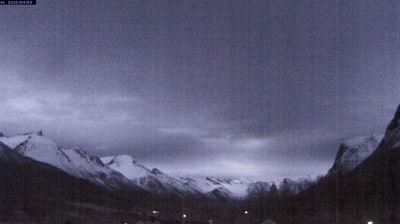
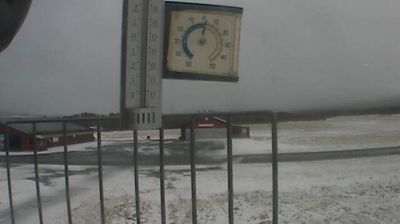
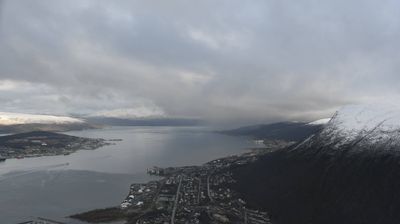
Discover ภูเขา in ประเทศนอร์เวย์
Whether you're checking conditions for a weekend getaway or just enjoying the view, our collection of ภูเขา webcams in ประเทศนอร์เวย์ offers the best real-time experience available online. Stay updated with live weather changes and crowd activity.

About ประเทศนอร์เวย์
นอร์เวย์ มีชื่อทางการว่า ราชอาณาจักรนอร์เวย์ เป็นประเทศในกลุ่มนอร์ดิก ตั้งอยู่บริเวณตะวันตกและตอนเหนือสุดของคาบสมุทรสแกนดิเนเวียในภูมิภาคยุโรปเหนือ นอกจากนี้ยังครอบคลุมถึงเกาะห่างไกลในเขตอาร์กติกอย่างยานไมเอน และหมู่เกาะสฟาลบาร์ รวมถึงเกาะบูเวซึ่งตั้งอยู่ในเขตกึ่งแอนตาร์กติกถือเป็นดินแดนในความครอบครองแม้จะไม่ใช่ส่วนหนึ่งของราชอาณาจักรโดยตรง นอร์เวย์ยังอ้างสิทธิ์เหนือดินแดนในแอนตาร์กติก ได้แก่ เกาะปีเตอร์ที่ 1 และ ควีนม็อดแลนด์ นอร์เวย์มีประชากรราว 5.6 ล้านคน ครอบคลุมพื้นที่ประมาณ 385,207 ตารางกิโลเมตร โดยมีออสโลเป็นทั้งเมืองหลวงและเมืองที่ใหญ่ที่สุด มีพรมแดนทางทิศตะวันออกตะวันออกติดกับประเทศสวีเดน และทางตะวันออกเฉียงเหนือติดฟินแลนด์และรัสเซีย อีกทั้งยังมีแนวชายฝั่งทอดยาวหันสู่ช่องแคบสแกเกอร์แรก, ทะเลเหนือ, ทะเลนอร์วีเจียน และ ทะเลแบเร็นตส์
📖 Read more on Wikipedia