หนานจิง › ตะวันออกเฉียงใต้
 หนานจิง, ประเทศจีน
Real-Time Environment
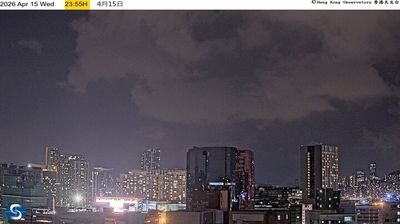
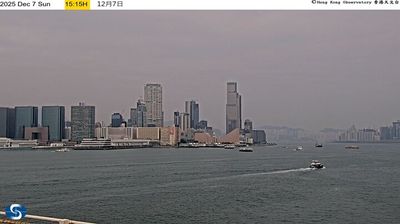
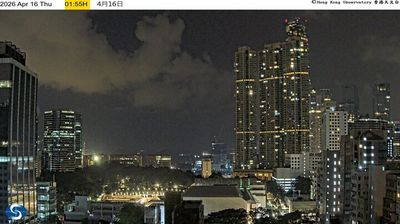
Welcome to the live streaming webcam for หนานจิง › ตะวันออกเฉียงใต้, perfectly situated in the vibrant region of หนานจิง, ประเทศจีน. Watching this live camera allows you to instantly experience the local atmosphere and monitor current climate conditions.

About หนานจิง
หนานจิง หรือรู้จักกันอีกชื่อว่า นานกิง (Nanking) เป็นเมืองหลวงของมณฑลเจียงซู ประเทศจีน หนานจิงยังเป็นนครใหญ่อันดับสองในภาคตะวันออกของประเทศจีน รองจากช่างไห่ นครหนานจิงมีพื้นที่การปกครอง 6,600 ตารางกิโลเมตร และประชากรทั้งหมด 8,270,500 คนในปี ค.ศ. 2016 พื้นที่ด้านในของนครหนานจิงล้อมรอบด้วยกำแพงเมืองโบราณคือ เขตนครหนานจิงเก่า (南京城) มีพื้นที่ 55 ตารางกิโลเมตร ในขณะที่เขตนครหนานจิงชั้นนอกรวมถึงนครและพื้นที่โดยรอบครอบคลุมกว่า 60,000 ตารางกิโลเมตร จัดเป็นเขตนครหนานจิงใหม่ มีประชากรกว่า 30 ล้านคน
📖 Read more on Wikipedia📍 Location Facts
-
Country
 ประเทศจีน
- Region มณฑลเจียงซู
- City หนานจิง
- Coordinates 32.0690°N, 118.7981°E
Have you been to หนานจิง?
Help the community! Share your experience, tell us about the weather, or upload your own photos from this exact location.